

Complete Match Coverage
Professional HD recording captures complete matches from start to finish.

Record matches seamlessly, from the court to your phone, with the click of a button.
Request a DemoTrusted by
Features
Upgrade your court with seamless recording, instant highlights, and effortless delivery.
Professional HD recording captures complete matches from start to finish.

Instantly save clips of great rallies and shots. No manual editing needed.
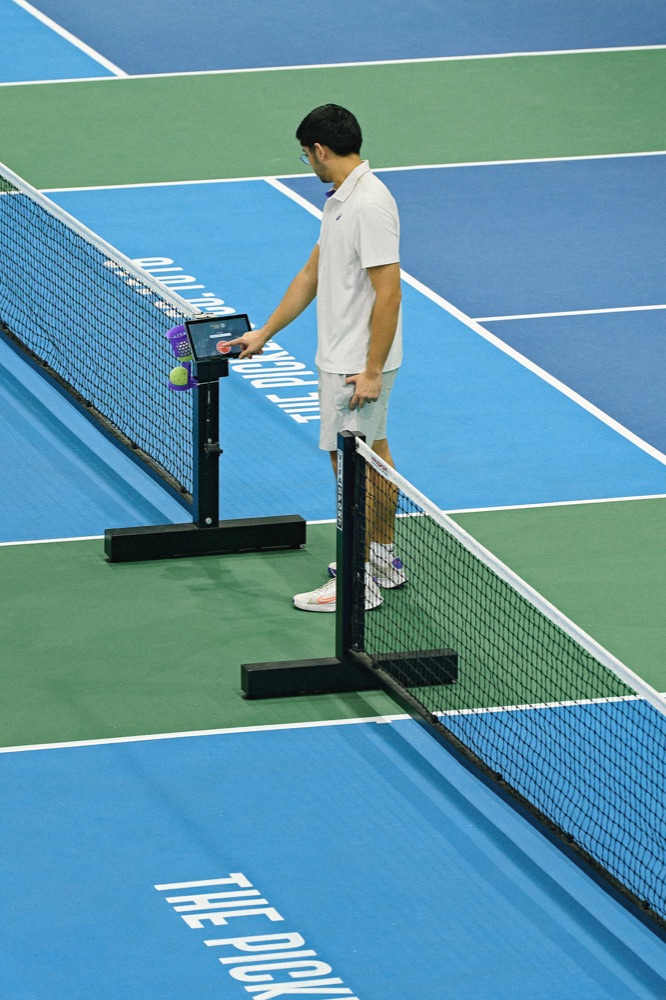
Everything controlled from the provided tablet. No downloads, no QR codes, no hassle.
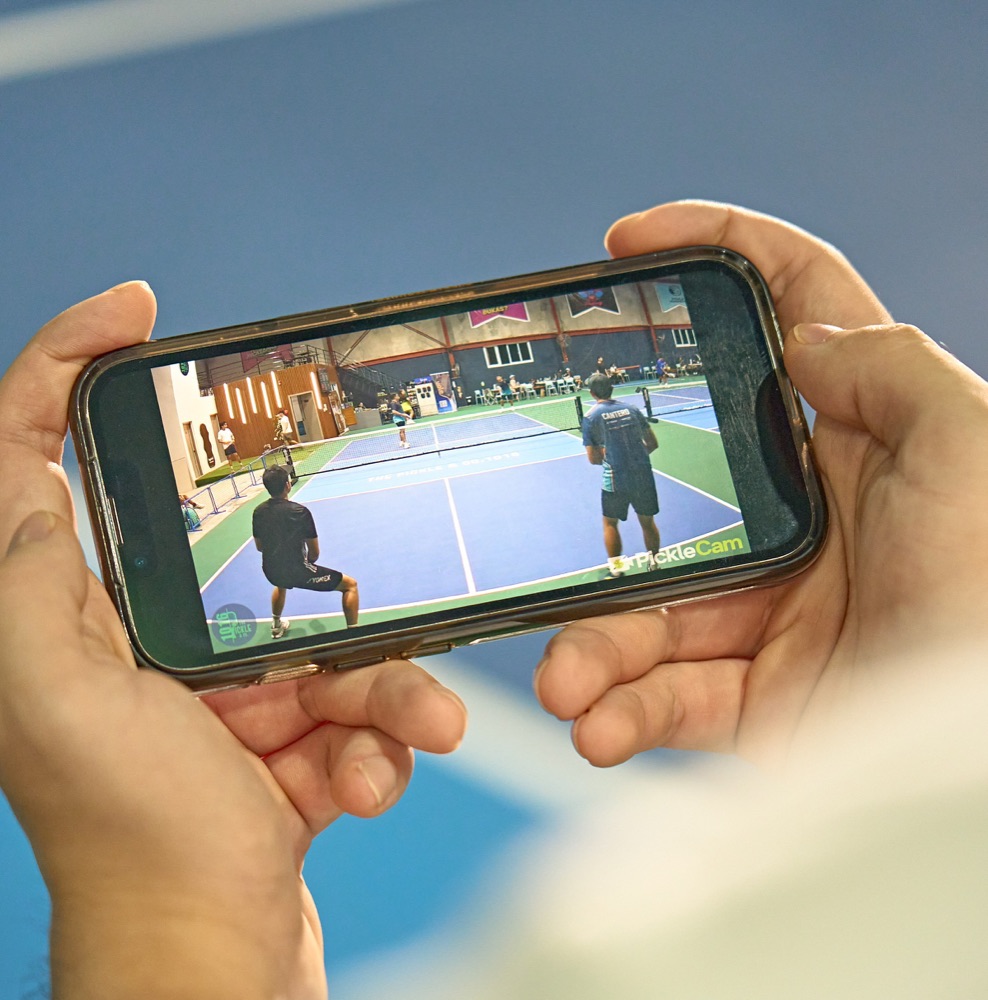
Full games and highlights are sent automatically to every player's email, ready to watch and share. No app or downloads needed.
Videos
Take a look at real, recorded footage from our facilities.
How it works
From first serve to final point, Picklecam makes it easy to record, save, and share your best moments.
Players can walk up to the courtside tablet and begin recording with a single tap.
Play your game while Picklecam records the whole match. On Premium courts, players can save 30-second highlight clips at any time.
Full games, plus highlights on Premium courts, land in their inbox the same day, ready to watch and share with friends.
FAQ
Usually about as long as the match itself, so a one-hour session typically arrives about an hour after you stop recording. It can be quicker or slower depending on the facility's internet and how many courts are recording at the same time.
14 days. After that they're deleted automatically.
Your videos are sent only to the email addresses entered on the court tablet. Facility staff can access recordings from their own courts, for example to resend a video if an email was mistyped. Picklecam staff can access recordings when needed to run and troubleshoot the system. See our privacy notice for details.
We shoot on 4K cameras and deliver every video in 1080p at 30fps. You get sharp footage in files small enough to upload quickly and play smoothly on any phone. Every recording includes audio from the court too, levelled so it plays at a comfortable volume.
It's the easiest way to start a recording: walk up, tap, and play. Nobody has to download an app, and on Premium courts players can rewatch their highlights right on the tablet.
A QR code opens a link that anyone can use from anywhere, even someone who isn't on your court. That makes it easy to stop or tamper with someone else's recording. With a tablet, only the players on the court are in control.
Our team handles everything in one day on site: cameras, wiring and setup. Once we've set an installation date, we'll ask for photos and videos of your facility so we can plan the setup before we arrive.
Fiber is best. You'll need at least 50 Mbps download and 10 Mbps upload. Upload speed is what gets videos to players, so a faster upload means shorter waits.
It depends on your location. SIM and Starlink connections can vary with the time of day, network traffic and weather. Some of our facilities run on them without problems, while others struggle. We can help you figure out what works for your site.
Premium builds on full-match recording with instant highlight clips, live streaming and API integrations for queueing systems.
Yes. Premium facilities can start and stop recordings from their own system through our API. Message us for API access and documentation.
Schedule a demo and we'll show you how simple it is to get started.
Request a Demo